Printer and patterns
Print a sewing pattern at 100%
Leave the fabric where it is for now. Print one page and make sure the pattern hasn’t shrunk on its way from the file to your printer.
Jump to the steps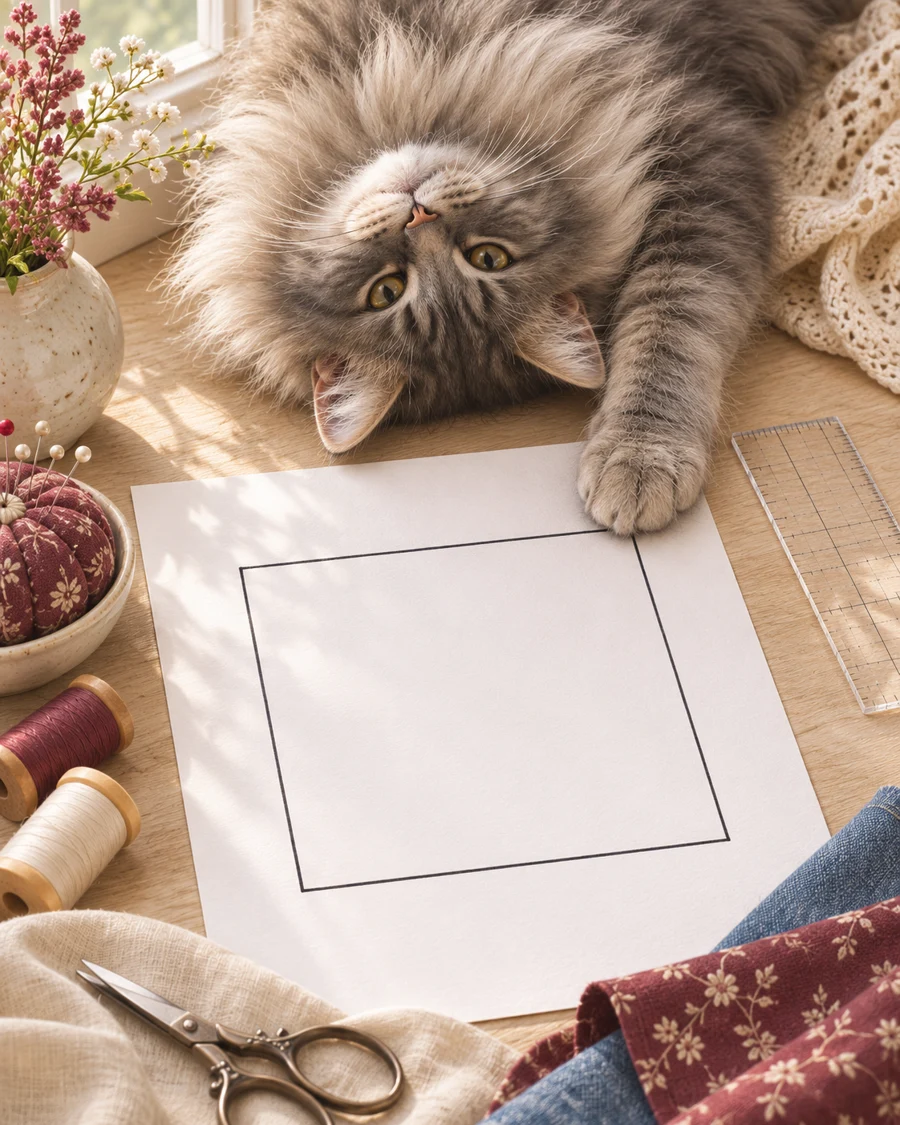
Let’s take it step by step
- Choose the right file. Pick A4 or Letter to match the paper in your printer. Find the test-square page in the instructions: it isn’t always page one.
- Choose Actual Size or 100%. Turn off Fit, Scale to fit and automatic shrinking. Check the same paper size is set on screen and in the printer. Print just the test page.
- Measure the square both ways. If the square says 5 cm, both sides should be exactly 5 cm. If a side doesn’t match, check the settings and print another test.
- Assemble the other sheets. Match the printed guides, not just the paper edges. Trim or overlap the margins as instructed. Put the pages together before cutting the pieces. Next: what to check before the first cut